How Combining Skills Changes Everything
One prompt is fine. Two or three, run back-to-back in the same chat? That's where the real time savings live — and almost nobody teaches it. We'll show you the stacking, live, on your own screen.
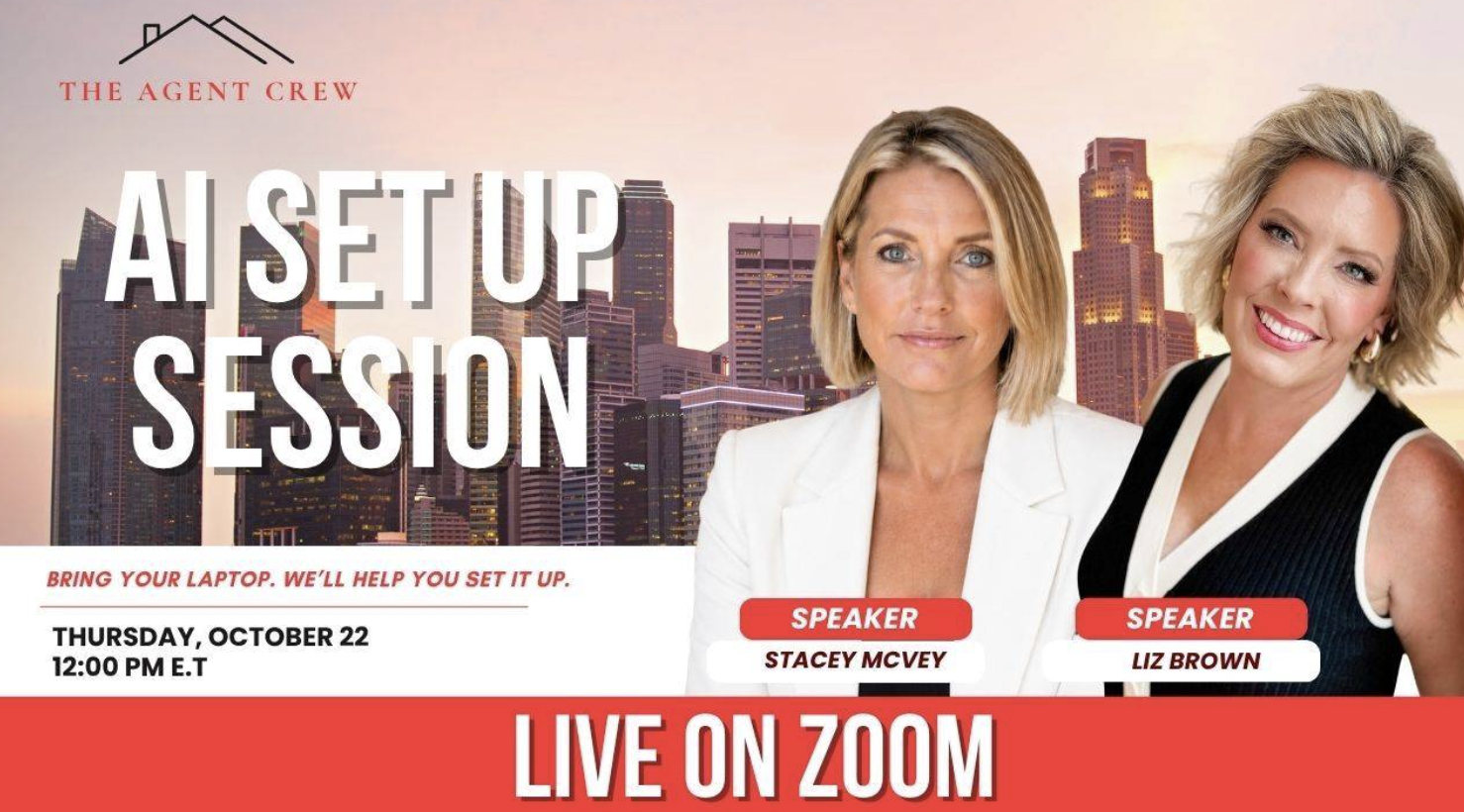
One live, hands-on session with Liz Brown and Stacey McVey. Bring your laptop — you're leaving with an AI setup that actually pulls its weight in your business.
National Speakers · Certified Mentors · Implementation Coaches
Reserve your spot today and get instant access to all the prompts and sessions before the next live workshop.
"I felt like I could agree with everything Stacey said about things she's not good at. I have been feeling so overwhelmed, lost in a soup of to-do's that never seem to get done. This gives me SO MUCH HOPE that I now have the tools at my disposal to get a handle on things."
"That this system can read a web page and help you save time." What stood out most: hands-on time actually doing it.
Be honest — you signed up, asked it two questions, and closed the tab. That's not on you. We've sat in the room with hundreds of agents doing the exact same thing, and we know exactly what's holding you back: nobody ever handed you a real workflow, just an app. This is the session where that changes.
You've watched a tutorial. Maybe followed an Instagram account showing off its latest AI trick. Then you sat down to use it yourself — and hit a wall. Nobody showed you the parts that actually matter:
One prompt is fine. Two or three, run back-to-back in the same chat? That's where the real time savings live — and almost nobody teaches it. We'll show you the stacking, live, on your own screen.
Projects. Skills. Connectors. Scheduled tasks. Don't know those words and you can't use half of what Claude does. We define every one, live, against your own business.
Connect too little and Claude can't help you. Connect the wrong thing and you've given away more than you meant to. We'll show you exactly what to connect — and what to leave alone.
This is the session that closes the gap between watching and doing.
No guessing at settings, no wasting your first month figuring out the basics. We build your account with you, live.
You'll stop treating Claude like a search bar and start handing it real tasks — the kind that used to eat your whole afternoon.
Listings, follow-up, client communication — the actual stuff you do every single day, built live in the session.
Ready to stop reading and start doing?
No one-size-fits-all lecture here. Every skill is sorted by level — Beginner, Intermediate, Advanced — so whether you've never touched Claude or you're already automating half your business, you're in the right room. In breakout, you're having the conversation that's actually yours.
Wherever you're starting from, you leave with skills built for exactly that level — and a breakout room conversation to match.
$1,635 total value
$97 Today
Plus insider access to the Momentum Monday Mastermind, every week.
Lifetime access to all of it — the Pre-Course, the Skills Library, the FAQ guide, and every call below. Nothing here expires.
Live, not recorded. Monday through Friday, 10:00 AM and 10:30 AM ET (9:00 and 9:30 AM CT / 8:00 and 8:30 AM MT / 7:00 and 7:30 AM PT). Show up once a week or every single day — get unstuck live, work alongside other agents actually doing the work, ask the question you didn't think to ask during the session.
Live, hosted by Liz. Every Monday, 12:00 PM ET (11:00 AM CT / 10:00 AM MT / 9:00 AM PT). Come with whatever's stuck — a prompt that's not working, a skill that won't stick, a system you started and never finished. This is the room where it gets unstuck, week after week, for as long as you keep showing up. Insider access, included.
Bring your laptop. Stay the full 90 minutes. Actually participate. If you do that and still walk away without your AI doing something real for your business, email us within 48 hours of the session and we'll refund every dollar. That's how confident we are this works.
30+ years in real estate, including 7 years running the top-producing office in Ohio — and she's still out there working deals today, not just teaching from the sidelines. She built Rebel Agent Coaching to hand agents the exact systems she uses to run her own team, and she's a national speaker and certified mentor known for telling agents the truth nobody else will.
A video, social media, and AI coach who's cracked the code on automating her own systems — she's scaled a full coaching business while still in production herself. Liz is also a national speaker and certified mentor who teaches exactly what she does, not just what sounds good.
Between them, that's decades of real production experience and national stages — not theory from the sidelines.
There's no replay, and that's on purpose. This session runs on breakout rooms and real, live examples pulled from what's actually happening in your business right now — that only works if you're in the room for it. And if you miss a moment, the follow-up isn't a video you half-watch later: it's the daily Implementation & Body Doubling calls, where you get unstuck live, plus full access to the workshop website — the Skills Library, the Pre-Course lessons, and the FAQ & Safety Guide — built to answer exactly what a replay never could. If you register, plan to be there for the full 90 minutes, laptop open, ready to work. This is the one detail that trips people up — don't be that person.
Reserve your spot today and get instant access to all the prompts and sessions before the next live workshop.
Secure checkout. Encrypted. Takes about a minute.